
flatpak install io.github.revosucks.bm64recomp
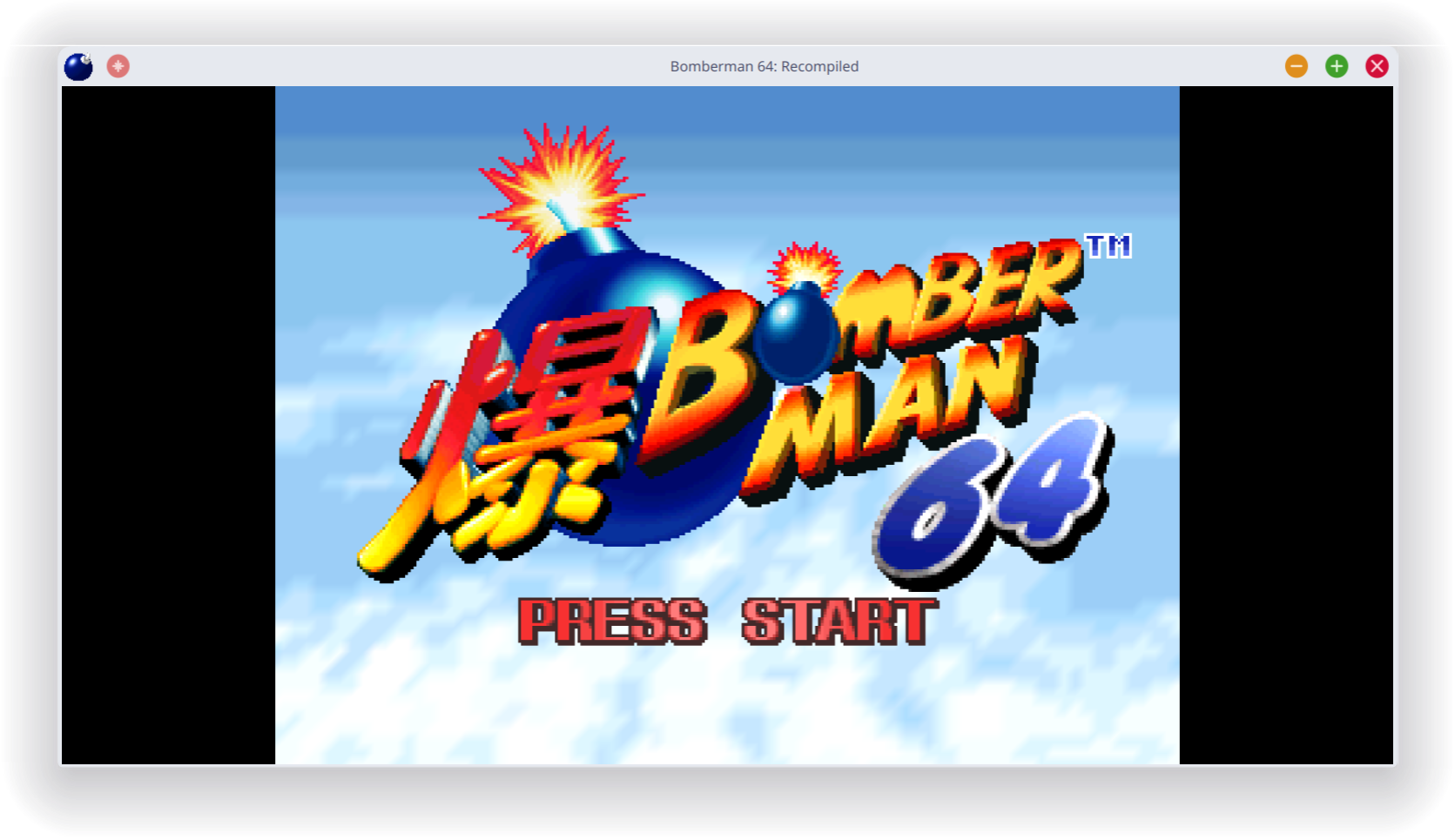
Title screen

Intro cutscene
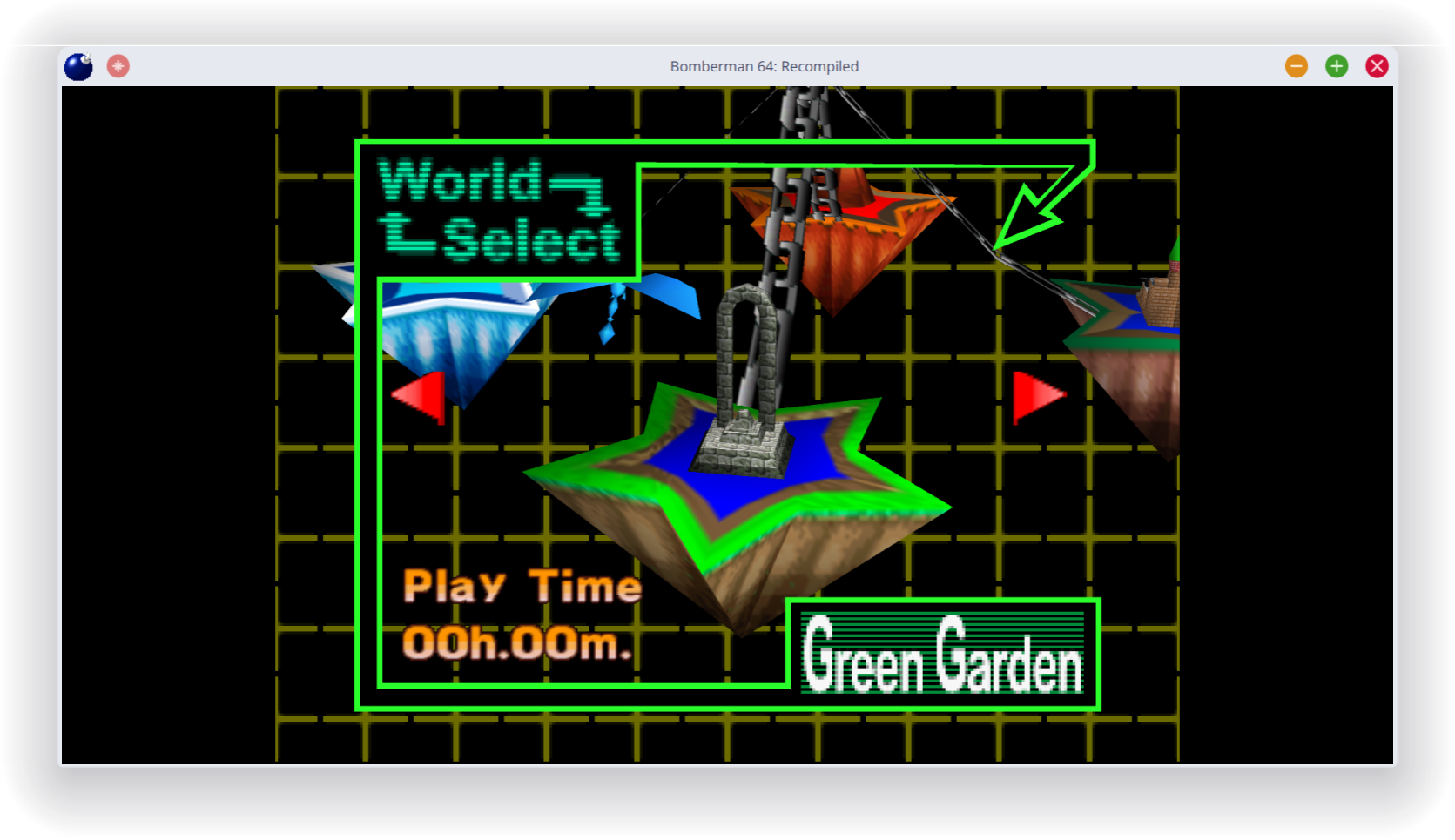
Level select screen
This is a recompiled version of Bomberman 64 into a native port with many new features, enhancements, and extensive mod support. This project uses RT64 as the rendering engine to provide some of these enhancements.
- Plug and Play - Simply provide your copy of the 1.1 (Rev A) North American version of the game in the main menu and start playing! This project will automatically load assets from the provided copy, so there is no need to go through a separate extraction step or build the game yourself. Other versions of the game may be supported in the future.
- Fully Intact N64 Effects - A lot of care was put into RT64 to make sure all graphical effects were rendered exactly as they did originally on the N64. No workarounds or "hacks" were made to replicate these effects, with the only modifications to them being made for enhancement purposes such as widescreen support.
- Easy-to-Use Menus - Gameplay settings, graphics settings, input mappings, and audio settings can all be configured with the in-game config menu. The menus can all be used with mouse, controller, or keyboard for maximum convenience.
- High Framerate Support - Play at any framerate you want thanks to functionality provided by RT64! Game objects and terrain, texture scrolling, screen effects, and most HUD elements are all rendered at high framerates. By default, this project is configured to run at the original 30 fps. You can also play at 60Hz framerate you prefer, though there are currently still issues with some gameplay elements when running at higher framerates. Note: External framerate limiters (such as the NVIDIA Control Panel) are known to potentially cause problems, so if you notice any stuttering then turn them off and use the manual framerate slider in the in-game graphics menu instead.
- Widescreen and Ultrawide Support - Any aspect ratio is supported, with most effects modded to work correctly in widescreen. The HUD can also be positioned at 16:9 when using ultrawide aspect ratios if preferred. Note: Some animation quirks can be seen at the edges of the screen in certain cutscenes when using very wide aspect ratios.
- Mod Support - Install community made mods and texture packs! Mods can change any part of the game, including adding completely new features and content. You can install mods by simply dragging the mod files onto the game window before starting the game or by clicking the Install Mods button in the mod menu. Mods can be toggled in the mod menu, and some mods can be configured there as well.
- Additional Control Options - Customize your experience by setting your stick deadzone to your liking, as well as adjusting the Y axis inversion for aiming.
- Low Input Lag - This project has been optimized to have as little input lag as possible, making the game feel more responsive than ever!
- Instant Load Times - Saving and loading files, going from place to place, and pausing all happen in the blink of an eye thanks to the game running natively on modern hardware.
- Linux and Steam Deck Support - A Linux binary as well as a Flatpak is available for playing on most up-to-date distros, including on the Steam Deck.
This Flatpak does not include any copyrighted assets. You are required to provide a supported copy of the game.